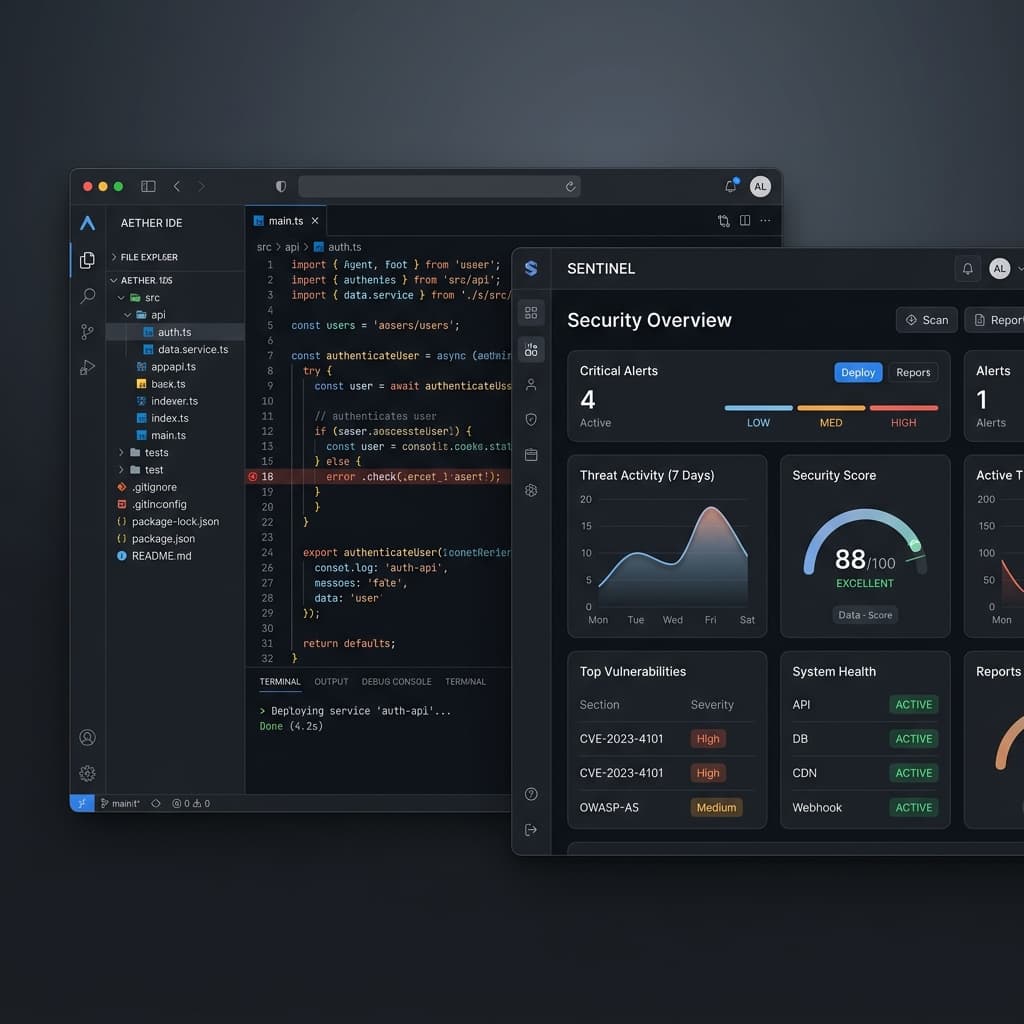
Choosing a coding assistant is also a workflow decision. Your repository, available tools, permissions and review process influence what an assistant can change and what your team can verify.
This guide proposes an evaluation checklist. It does not report a completed comparative test or declare a safest assistant. Product settings and available features change, so verify them in the current vendor documentation and the configuration you are evaluating.
Start with the work the assistant will do
A tool that suggests a line of code and a tool that edits a repository or runs a command have different operational boundaries. Document the tasks you intend to enable: reading code, changing files, adding dependencies, executing tests or interacting with external systems.
For each task, decide which resources should be available and which actions need a human review. Use a representative test repository with synthetic configuration so you can inspect the workflow without exposing customer data.
Review permissions before reviewing productivity
Inspect the access requested by the selected setup. Identify the repository scope, connected accounts, command execution behavior and any external service receiving code or context. Verify the applicable data handling terms rather than assuming that every plan uses the same controls.
Keep production credentials outside the evaluation workspace. Test whether your team can understand a requested action before approving it. Record configuration differences between candidates because those differences can affect the result.
Compare the resulting patches
Give each configured assistant the same bounded task and repository revision. Ask for a change that has a clear functional requirement and a clear permission boundary. Save the prompt, tool configuration and full diff, including dependency and lockfile changes.
Review what the patch does, not how confident its explanation sounds. Check that it authenticates the caller, validates inputs and scopes data access to the intended user or organization. The Next.js security documentation explains relevant considerations for applications built on that framework.
Verify packages before installing suggestions
Check that a proposed package is the intended project and that its documented API matches the suggested use. Review its publisher and repository context, then examine the version that the package manager resolves.
A package-name check and a vulnerability check answer different questions. The dependency security guide explains how to combine them with lockfile review and application tests.
Measure the human review effort
Track the time required to understand the diff, reproduce a finding and verify the fix. Separate formatting preferences from behavior that affects customers or privileged operations. Record failures that the assistant's own tests did not catch.
Use both allowed-action and denied-action tests. For database access, run a two-user test against your actual ownership model. Review the Supabase security checklist if your application relies on its database and access policies.
Decide using your requirements
Summarize which configured workflow met the requirements, what remained uncertain and which controls your team must maintain. Avoid turning one repository's results into a claim about every model, language or future release.
Repeat the important evaluation cases when permissions, models or integrations change. Bryxe can help review supported security patterns in the generated code, while your team remains responsible for verifying the application's behavior and deployment.